
Best Social Media Page Analyzer: The Complete Buyer’s Guide
Why Page Analyzers Matter for Social Growth
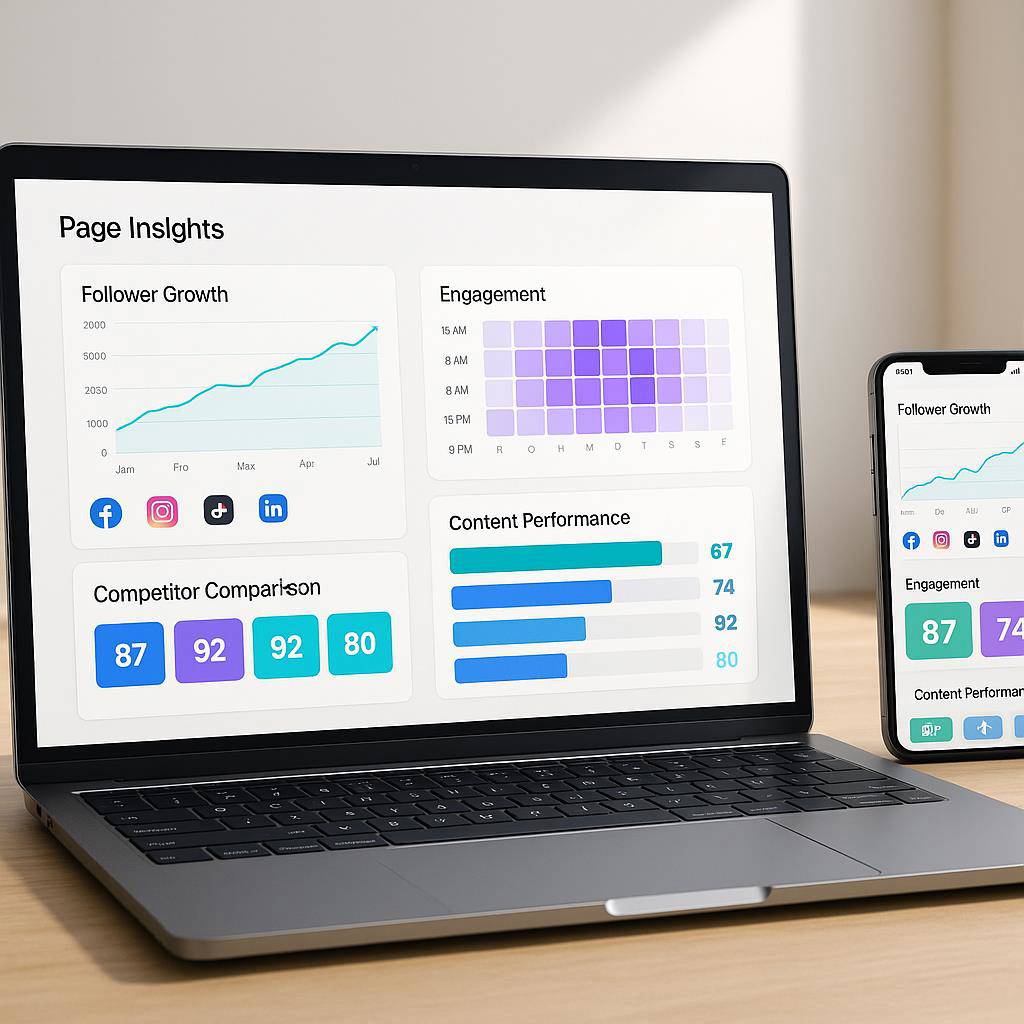
Social media isn’t guesswork it’s a data race. Algorithms evolve weekly, formats shift overnight, and audience attention is more fragmented than ever. A modern social media page analyzer turns chaos into clarity by translating raw metrics into growth decisions you can act on today.
Whether you’re nurturing a personal brand or scaling a global campaign, granular analytics reveal what to post, where to invest, and how to compound reach. With AI-fueled insights and cross-platform visibility, you’ll identify winners faster, sunset underperformers, and reclaim budget that was previously lost in the noise.
Most importantly, page analyzers cut through vanity metrics. They spotlight revenue-impacting KPIs, attribute results, and benchmark you against rivals so your strategy evolves with precision, not hunches.
Quick Summary: Who This Guide Is For and What You’ll Learn
This guide is built for marketers, creators, agencies, and founders who want to choose the right analytics stack—without wasting weeks on demos.
- Who it helps: Social media managers, paid social buyers, content strategists, multi-brand agencies, and data-curious creators.
- What you’ll learn: How a social media page analyzer works, must-have features in 2026, objective evaluation criteria, and how to combine tools for deeper attribution.
- What you’ll leave with: A practical buying checklist, a decision matrix, and recommendations (including a smart stack pairing) to accelerate results.
Want more growth content? Explore the latest guides on the TBlaqHustle blog or browse the sitemap for topic-specific posts.
What Is a Social Media Page Analyzer and How It Works
A social media page analyzer is a tool that ingests your platform data (e.g., Instagram, TikTok, Facebook, LinkedIn, YouTube, Pinterest, X), restructures it, and surfaces insights that improve content, engagement, and ROI. Think of it as the control tower for your profiles and campaigns.
Under the hood, it typically:
- Authenticates securely via each platform’s API and permissions.
- Normalizes metrics (reach, impressions, watch time, clicks, followers) into consistent definitions.
- Enriches data with AI: sentiment detection, topic clustering, and content scoring.
- Visualizes trends via dashboards and alerts, so you can respond quickly.
- Exports & reports to share wins across teams or clients.
The result: full-funnel visibility, from post-level performance to campaign attribution—without tab overload or spreadsheet gymnastics.
Must-Have Features in 2026: Cross-Platform Dashboards, AI Insights, Competitor Benchmarks, Content Scoring, Reporting
- Cross-platform dashboards: One pane of glass for Instagram Reels, TikTok Shorts, YouTube, LinkedIn, Facebook, Pinterest, and X—plus filters by channel, campaign, and content type.
- AI insights & forecasting: Automated pattern-finding that highlights best posting windows, creative angles, and projected lift from format changes.
- Competitor benchmarks: Track share of voice, posting cadence, engagement quality, and content themes against peers to catch trends early.
- Content scoring: Rank posts before and after publication using historic performance, audience fit, and creative signals (hooks, captions, hashtags).
- Automated reporting: White-labeled PDFs, live links, and scheduled email summaries that stakeholders actually read.
Bonus capabilities to love: UTM integrity checks, link-level attribution, collaboration & approvals, and automations that eliminate manual busywork.
Evaluation Criteria: Data Accuracy, Integrations, Usability, Pricing, Rate Limits, Data Retention
- Data accuracy: Verify metric definitions match platforms (e.g., reach vs. impressions) and that sampling or rounding is transparent.
- Integrations: Confirm native support for your priority channels, ad accounts, and short-link/UTM stack. Check web analytics (GA4) and CRM hooks.
- Usability: Look for fast load times, meaningful defaults, easy filtering, and explainable AI notes—not black-box outputs.
- Pricing: Map tiers to your channel mix, seats, and exports. Understand overages and upgrade triggers before you commit.
- API rate limits: Ensure the tool gracefully handles platform limits so your dashboards don’t stall during launches.
- Data retention & governance: Check how long historical data is stored, export rights, SLA uptime, and compliance (GDPR/CCPA).
Pro tip: request a sample report using your own data and compare it against platform-native analytics for a sanity check.
Top Tools Compared: Strengths, Weaknesses, and Ideal Use Cases
- Metricool: Strong cross-platform coverage, intuitive UI, solid scheduling + analytics combo. Best for SMBs, creators, and agencies needing speed-to-insight without complexity.
- Sprout Social: Deep collaboration, listening, and enterprise reporting. Best for mid-market enterprises with multi-team workflows; higher cost.
- Hootsuite: Broad ecosystem, mature publishing and monitoring. Best for teams standardizing on classic social management with add-ons for analytics.
- Buffer: Clean UX and affordable scheduling with essential analytics. Best for lean teams focused on content cadence and quick wins.
- Rival IQ: Excellent competitor benchmarking and industry comparisons. Best for performance-obsessed marketers who live in benchmarks.
- Socialinsider: Strong content analytics and competitive insights. Best for agencies preparing client-ready reports.
- Iconosquare: Polished analytics for Instagram/Facebook. Best for IG-first brands that want depth on Meta channels.
How to choose: map each tool to your must-have features, budget, and growth horizon. If you need speed and all-in-one simplicity, prioritize tools that blend publishing + analytics without sacrificing accuracy.
Affiliate Integration: Recommended Tool — METRICOOL Social Media Management and Analytics
If you want a balance of power and simplicity, try METRICOOL ▷ Social Media Management Tool. It combines scheduling, insights, and reporting so you can analyze, plan, and publish from a unified workspace.
- Why it stands out: Clean dashboards, reliable metrics, and practical AI suggestions that don’t overwhelm.
- For agencies: Client workspaces, branded reporting, and scalable seat management.
- For creators/SMBs: Fast time-to-value and pricing that won’t break the bank.
Tip: Pair it with a link tracker for attribution (see the next section) so your social media page analyzer doesn’t stop at clicks—it connects to conversions.
Disclosure: Some links in this guide are affiliate links. If you purchase through them, we may earn a commission at no extra cost to you.
Bonus Stack: Pair with ClickMagick for Link-Level Attribution and UTM Tracking
To complete your analytics picture, add precise link tracking. ClickMagick gives you link-level attribution, robust UTM tracking, and split testing for bio links, Reels, Shorts, and story stickers.
- Clean UTMs: Standardize and auto-append parameters to protect data quality.
- Faster feedback: See which post, hook, or CTA actually drives sign-ups or purchases.
- Cross-campaign visibility: Attribute email or retargeting bumps back to social posts.
When your social media page analyzer says a post is a winner and your link tracker confirms revenue, you’ve found the rare combo of engagement and profit.
Buying Checklist and Decision Matrix: Match Features to Your Goals
Use this quick framework to score shortlisted tools (1–5 scale) and choose with confidence.
- Primary goals (weight 30%): e.g., grow Reels reach, improve TikTok retention, or prove LinkedIn lead value.
- Accuracy & coverage (20%): Platforms supported, ad account analytics, and metric fidelity.
- AI insights (10%): Are recommendations actionable and explainable?
- Reporting (10%): Client-ready outputs, automation, and white-label options.
- Workflow fit (10%): Scheduling, approvals, and collaboration.
- Integrations (10%): UTM/link trackers, GA4, CRM.
- Cost & scaling (10%): Seats, workspaces, and historical limits.
Decision tip: If your weighted score is within 5 points across two tools, choose the one that reduces daily friction. Tools you actually use outperform slightly “better” tools you avoid.
Conclusion: Choose the Right Analyzer and Start Optimizing Today
Analytics is a leverage game. The right social media page analyzer helps you test smarter, iterate faster, and turn creative sparks into compounding growth. Start with a platform that balances depth and speed, then layer attribution for full-funnel clarity.
Ready to streamline your stack? Try METRICOOL Social Media Management and Analytics and pair it with ClickMagick for airtight tracking.
Building beyond social? Explore additional growth tools curated here: All my Tools or All my Tools.
FAQ: Page Analyzer Basics, Privacy and Permissions, KPI Benchmarks, Pricing Questions
What does a social media page analyzer actually measure?
It aggregates profile and content metrics like reach, impressions, engagement rate, audience growth, watch time, clicks, and conversions. The best tools add AI insights, content scoring, and competitor benchmarks.
Is it safe to connect my accounts?
Reputable tools use OAuth and platform-approved APIs. Review permissions carefully, enable MFA, and verify data retention and export rights in the vendor’s policy. You can revoke access anytime in your platform settings.
Which KPIs should I prioritize?
Focus on engagement quality (saves, shares, comments), audience retention for video, CTR for link posts, and assisted conversions where possible. Tie these to business outcomes, not vanity tallies.
How do I benchmark against competitors?
Use tools with industry comparisons to track posting cadence, content themes, and engagement deltas. Monitor month-over-month shifts rather than one-off spikes.
Why do dashboards sometimes differ from native apps?
Differences stem from API definitions, rate limits, and time-zone cutoffs. Validate with a sample of posts and align reporting windows.
How much should I budget?
Expect ranges from budget-friendly creators plans to mid-market enterprise tiers. Factor seats, workspaces, historical depth, and export/report needs. Trial first, then commit.
What about link attribution?
Pair your analyzer with a tracker like ClickMagick to preserve UTMs, test CTAs, and attribute revenue to specific posts.
Any complementary tools?
For content ops and funnel lift: StoryCheif (publishing), GetResponse or Drip (email & automation), Livechat (conversion), and Click Up (workflow). CRM handoff? Try Pipedrive. For advanced SEO/AI mapping, see Digital Marketers Toolbox – Built for Search + AI Discovery.
Extra: If video voiceovers are part of your content engine, test Murf AI text-to-speech (Murf Pricing) or accelerate production with Video Express AI. Fighting spam in communities? See Spam Guard.