
Social Media Traffic Analytics: The Ultimate Proven Guide
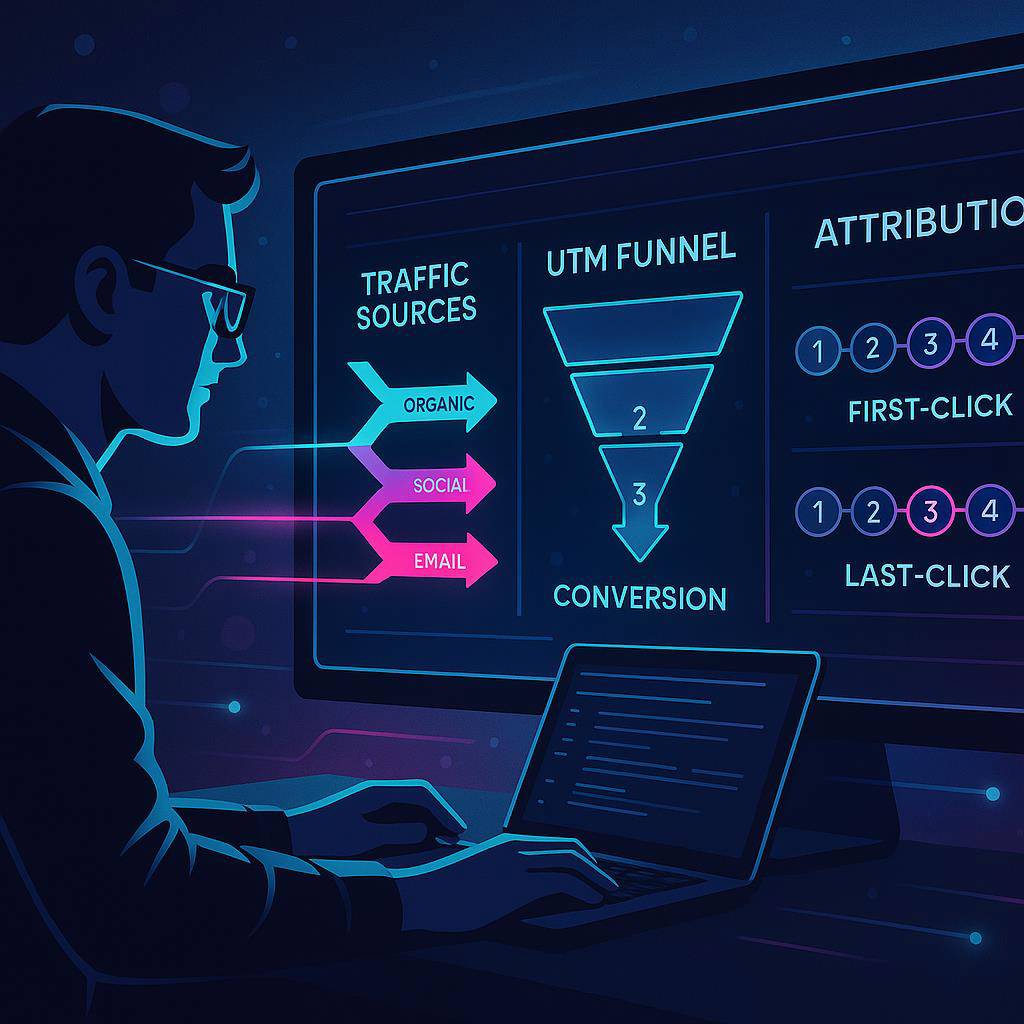
Turn Social Clicks into Conversions with Better Analytics
Your campaigns don’t have a traffic problem—they have a measurement problem. With sharp social media traffic analytics, you’ll stop guessing which posts, creators, and platforms drive revenue and start scaling what actually converts.
Today’s feeds move fast, privacy rules shift even faster, and multi-device journeys blur the truth. The fix is a measurable system: clean UTMs, reliable pixels, server-side tracking, and a tight feedback loop that turns signal into strategy.
This guide gives you a complete playbook: the metrics that matter, a resilient attribution foundation, a trustworthy analytics stack, and optimization loops you can run every week. You’ll also see where tools like ClickMagick and Metricool slot in to de-risk tracking and speed up decisions.
By the end, you’ll have a pragmatic, creator-friendly measurement plan that translates social clicks into repeatable conversions—without drowning in dashboards.
Quick Summary: Core Metrics, Tools, and a Repeatable Process
Here’s the TL;DR for busy teams who want signal without the noise.
- Core Metrics: CTR for hooks, CPC/CPM for media efficiency, CPA and ROAS for profitability, LTV for growth, and assisted conversions for multi-touch truth.
- Must-Have Tracking: Consistent UTM conventions, platform pixels (Meta, TikTok, LinkedIn, Pinterest, X), server-side events, and cross-device stitching.
- Analytics Stack: Tag manager, analytics hub (e.g., GA4), attribution tool, dashboarding (Looker Studio/BI), QA and alerting.
- Repeatable Process: Plan experiments → launch with validated tracking → monitor KPIs daily → analyze weekly → scale winners, cut losers, and test the next hypothesis.
- Tools: ClickMagick (link tracking + attribution), Metricool (social analytics + reporting), plus workflow in ClickUp and CRM sync with Pipedrive.
Attribution Foundations: UTMs, Pixels, and Cross-Device Tracking
Attribution is your compass. Without it, budget allocation is guesswork. In resilient social media traffic analytics blends client-side and server-side signals to mitigate privacy loss, cookie limits, and app-to-web gaps.
- UTMs That Never Lie: Standardize naming: utm_source=platform, utm_medium=paid/organic, utm_campaign=initiative, utm_content=creative ID, utm_term=audience/keyword. Lock this in with templates and QA checks.
- Pixels + CAPI: Install Meta Pixel + Conversions API, TikTok Events API, LinkedIn Insight Tag, Pinterest, and others. Fire purchase/lead/subscribe events with clean parameters (value, currency, content_id, event_id).
- Cross-Device Reality: Expect users to bounce between app, mobile web, and desktop. Use first-party IDs, email-match, and server-stamped event IDs to stitch journeys.
- Consent + Compliance: Implement Consent Mode and region-aware event gating so you can measure ethically and keep data usable.
- Postback + Deep Links: For creators and affiliates, use postbacks and deep links to attribute app opens and web conversions to the right click.
When in doubt, over-document your tracking plan and test each event before launch.
KPIs That Matter: CTR, CPC, CPM, CPA, ROAS, LTV, Assisted Conversions
Not all metrics deserve equal attention. These KPIs form a ladder from attention to profitability.
- CTR (Click-Through Rate): Measures how magnetic your hook and creative are. Diagnose scroll-stoppers vs. scroll-past posts.
- CPC & CPM: Gauge media cost efficiency. High CPC may signal poor relevance or targeting; high CPM can indicate competitive inventory.
- CPA (Cost Per Acquisition): Your non-negotiable. Tie events (lead, trial, purchase) to clean pixels and server-side confirmations.
- ROAS (Return on Ad Spend): Revenue ÷ ad cost. Use net-new revenue where possible and reconcile with your finance source of truth.
- LTV (Lifetime Value): Look beyond the first order. Cohort LTV clarifies when higher CPAs are still great trade-offs.
- Assisted Conversions: Multi-touch reality check. Organic social and creator posts often assist rather than close—give them proper credit.
Build a North Star bundle: CPA + ROAS + early LTV indicators. These drive budget, creative, and audience decisions with confidence.
Building a Reliable Analytics Stack: Data Hygiene, Tags, Dashboards, QA
A trustworthy stack starts with cleanliness—because messy data creates expensive mirages. Treat analytics like product engineering.
- Tag Manager First: Centralize pixels and events in GTM. Use environments (dev/stage/prod), version control, and strict naming conventions.
- Data Dictionary: Define every event, parameter, and UTM in a shared doc. No release without an analytics spec.
- Dashboards That Decide: Build executive overviews and analyst detail views in BI (Looker Studio, Power BI). Include trendlines, targets, and alert thresholds.
- QA & Monitoring: Preflight checklists, automated event validation, and anomaly alerts. Sample traffic by platform and device weekly.
- Attribution Layer: Add ClickMagick to harden link tracking and reconcile channel truth with GA4 and your CRM. For advanced search+AI mapping, see our Digital Marketers Toolbox.
As your pipeline matures, sync leads and deals with Pipedrive so ad spend and revenue share the same timeline.
Optimization Loops: Testing Creatives, Audiences, and Landing Pages
Creative wins attention, audiences add relevance, and landing pages close. Test in that order to protect budgets and learn faster.
- Creative: Iterate hooks, headlines, and motion in batches. Use 3–5 short variants per test. Document hypotheses and outcomes in ClickUp.
- Audience: Test interest stacks, broad signals, and lookalikes. Scale only when CPA and ROAS hold for 3–5 days with stable frequency.
- Landing Pages: Match the promise. Speed, above-the-fold clarity, social proof, and one frictionless CTA. Try LiveChat to capture intent that would otherwise bounce.
- Content Engine: Repurpose winners into carousels, shorts, and articles. Tools like StoryChief help operationalize cross-channel publishing.
Measure each loop with your social media traffic analytics stack, then rinse and repeat weekly.
Affiliate Integration: ClickMagick for Rock-Solid Link Tracking and Attribution
Influencer and affiliate traffic can be your cleanest growth lever—if you can attribute it. ClickMagick hardens every hop between tap and transaction.
- Bulletproof Links: Cloak long URLs, auto-append UTMs, and protect users from bad redirects.
- Bot Filtering: Strip fake clicks and save budget. Cleaner clicks = smarter decisions.
- Rotators & Split-Paths: Send traffic to the best-performing page by device, geo, or weight. Perfect for creator whitelisting and seasonal promos.
- Postbacks + Webhooks: Pipe conversions back in real time so partners get paid and you get truth in your dashboards.
- Multi-Touch Notes: Track first and last click to align payouts and performance reviews.
If attribution gaps are costing you money, start with ClickMagick and make every creator click count.
Complementary Pick: METRICOOL for Social Analytics and Reporting
To manage what you measure, you need clean reporting, scheduling, and competitor context. Metricool keeps the social side of your stack sharp.
- Unified Analytics: Pull posts, reach, clicks, and link-in-bio traffic into one view. Tie UTMs to campaigns for apples-to-apples comparisons.
- Scheduling: Plan your content calendar and coordinate launches with your ad tests. Keep organic and paid in the same narrative arc.
- Benchmarks: Spot what’s resonating in your niche and align creative tests with proven formats.
- Exports & Client-Ready Reports: Automate updates without spreadsheet acrobatics.
Layer Metricool on top of your attribution to give teams and clients a clear pulse of performance.
Playbooks: From Audit to Actionable Insights in 14 Days
Speed matters. Here’s a 14-day plan to fix tracking, learn fast, and ship wins.
- Days 1–2: Audit — Inventory UTMs, pixels, server-side events, and dashboards. Identify gaps and confirm your North Star KPIs.
- Days 3–4: Standardize — Ship a data dictionary, UTM templates, and naming conventions. Add consent flow requirements.
- Days 5–6: Implement — Install/verify platform pixels and CAPI. Configure ClickMagick links, postbacks, and rotators for affiliates/creators.
- Days 7–8: Dashboard — Build decision-first views: acquisition cost, ROAS, assisted conversions, and LTV cohorts. Add alerts for outliers.
- Days 9–10: Launch Tests — Run 2–3 creative variants per audience. Keep budgets modest until CPA stabilizes.
- Days 11–12: Analyze — Kill losers quickly, double down on winners. Check cross-device paths and assisted lift.
- Days 13–14: Scale — Raise budgets in measured steps. Feed insights into organic content via Metricool scheduling.
Document the process in ClickUp and keep a running backlog of test ideas for the next sprint.
Implement Your Measurement Plan and Scale
Brilliant creative deserves brilliant measurement. With standardized UTMs, resilient pixels, server-side events, and a weekly optimization rhythm, your social media traffic analytics will become a growth engine—not a guessing game.
Start small, instrument everything, and let the data tell you where to add fuel. If link-level truth is your bottleneck, try ClickMagick to lock down attribution from the first tap to the final checkout. Pair it with Metricool for crisp social reporting.
Want a curated stack? Explore All My Tools or All My Tools (Alt) to assemble your growth toolkit.
FAQ: UTMs, Cookie Windows, Dark Social, Data Accuracy, Common Setup Mistakes
Q: What are the must-have UTM parameters?
A: Use utm_source (platform), utm_medium (paid/organic), utm_campaign (initiative), utm_content (creative ID), and optionally utm_term (audience/keyword). Create a template and enforce consistency.
Q: How long should my cookie/attribution window be?
A: Match it to your buy cycle. For impulse DTC, 7–14 days works; for considered B2B, 30–90 days. Keep windows consistent across platforms and note differences in reporting.
Q: How do I measure dark social (DMs, private shares)?
A: You can’t track every hop, but you can improve signal with UTM’d share links, ClickMagick link hubs/rotators, and branded redirects. Watch direct/unknown traffic lift during campaigns.
Q: Ensuring data accuracy across app and web?
A: Use server-side events with event_id deduping, deep links, and email/first-party IDs. Reconcile with CRM stages in Pipedrive and tie revenue to campaign IDs.
Q: Common setup mistakes to avoid?
- Inconsistent UTM casing and naming.
- Pixels firing on page load instead of successful outcomes.
- No consent-aware event handling.
- Forgetting postbacks for affiliate/creator traffic.
- Dashboards without targets, alerts, or a single source of truth.
Pro tip: Keep a living data dictionary and revisit it every quarter as platforms and privacy rules evolve.