
Top AI Video Builder Software: The Essential Buyer’s Guide
Introduction: Why AI Video Builders Are a Game-Changer in 2026
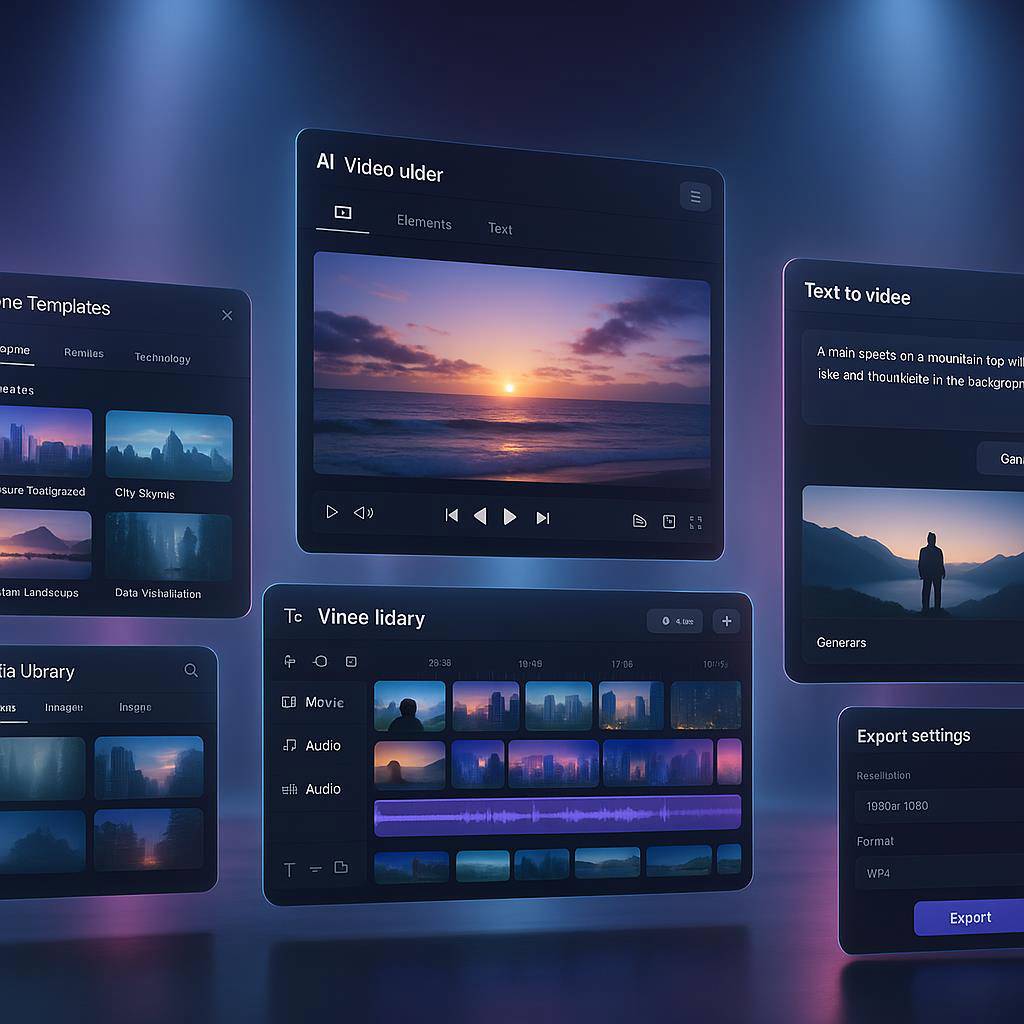
The gap between idea and published video has never been smaller. In 2026, modern AI video builder software turns briefs into broadcast-ready content in minutes, blending text-to-video, smart editing, and brand-safe automation. For marketers, founders, and creators, this means higher content velocity, more consistent output, and measurable ROI without bloated production costs.
What changed? Today’s engines can summarize scripts, assemble scenes, layer captions, and even localize voiceovers with near-human nuance. Templates match platform trends, while brand kits lock in fonts, colors, and logos for on-brand assets—no more manually chasing style guides across projects.
AI-native video production also integrates well with the rest of your stack. Plan and publish multichannel stories with StoryChief, nurture leads through GetResponse, and track funnel lift with ClickMagick. For more resources and recent posts, browse our homepage or scan the site map.
Whether you’re scaling UGC, retargeting ads, or educational content, AI video builders compress time-to-value. The result: you ship more, test faster, and learn exactly what resonates then double down.
Quick Summary: Who Should Use AI Video Builders and What to Expect
If you publish video weekly (or want to), you’re the target user. These platforms reduce complexity, raise quality, and democratize production.
- Solo founders & coaches: Turn scripts into branded explainers, reels, and landing-page videos without hiring an editor.
- Performance marketers: Rapidly spin up ad variations, iterate hooks, and ship platform-native creatives for TikTok, Reels, and YouTube Shorts.
- Brands & ecommerce: Scale product demos, FAQs, and comparisons; localize captions and voiceovers for international markets.
- Educators & SaaS teams: Build tutorials and onboarding sequences that stay visually consistent across updates.
What to expect in 2026: faster renders, smarter scene assembly, deeper stock libraries, and tighter brand controls. Most leading tools include text-to-video, templates, stock assets, auto-captions, voiceovers, and brand kits—the feature foundation you’ll evaluate below.
Pro tip: Pair your AI builder with METRICOOL to schedule and analyze social distribution, and organize production calendars in ClickUp so your pipeline never stalls.
Key Features Checklist: Text-to-Video, Templates, Stock Assets, Captions, Voiceovers, Brand Kits
Use this practical checklist when comparing AI video builder software. The goal: verify that the essentials are fast, intuitive, and scalable.
- Text-to-Video: Paste scripts or briefs and watch scenes, B‑roll, and transitions assemble automatically. Look for prompt controls, beat detection, and storyboard previews.
- Template Library: Fresh, trend-aware layouts for ads, shorts, explainers, and promos. Filters for aspect ratio (9:16, 1:1, 16:9) and platform guidelines are must-haves.
- Stock Assets: Built-in premium stock footage, images, sound effects, and background music. Verify licensing terms (commercial, social ads, broadcast) for each library.
- Auto-Captions & Subtitles: Accurate, brand-styled captions with position control; support for multiple languages and SRT/VTT export.
- AI Voiceovers: Native voices with pitch, pacing, and emotion controls. If you need advanced TTS, integrate Murf AI and compare Murf pricing for scale.
- Brand Kits: Upload logos; set fonts, hex colors, lower-thirds, intros/outros, and watermark defaults. Ensure team-level permissions to protect brand integrity.
- Asset Management: Search, tag, and version-control your clips, audio, and overlays. Cloud libraries with team folders save hours in busy campaigns.
- Collaboration: Sharable review links, time-stamped comments, and approval workflows. Bonus: integrations with Slack, Drive, and project tools.
- Export & Delivery: 1080p baseline, optional 4K; transparent background for overlays; direct publish to TikTok/YouTube/Meta; clean no-watermark exports on paid tiers.
If your stack spans SEO, social, and email, pair your video builder with the Digital Marketers Toolbox for search + AI discovery, and route conversions into Drip for lifecycle automation.
Performance Factors: Render Speed, Quality, Ease of Use, Pricing, Licensing
Features are table stakes performance wins campaigns. Prioritize these factors before you lock in a platform.
- Render Speed: Time-to-first-draft and time-to-final matter for iteration. Look for GPU-accelerated pipelines and queue transparency during peak loads.
- Visual Quality: Crisp motion graphics, clean transitions, and stock that feels native. Test fast cuts for shorts and slower pacing for explainers.
- Ease of Use: If new teammates can publish in a day, you’ll scale. Assess onboarding, in-app guidance, and responsive support (consider adding LiveChat for your audience workflows).
- Pricing: Compare monthly export caps, resolution limits, team seats, and add-ons (TTS minutes, stock credits). Annual plans often unlock the best value.
- Licensing: Confirm commercial rights and usage scope for stock assets. Separate editorial-only content from ads and sponsorships to avoid takedowns.
Pro move: Tag each exported variant with UTM conventions and measure lift via ClickMagick. You’ll quickly find your winning hooks and formats.
Best Use Cases: Ads, Social Shorts, Tutorials, Product Demos, UGC
The sweet spot for AI video builder software is repeatable formats that reward speed and consistency. Start with these high-impact plays:
- Performance Ads: Rapidly test hooks, CTAs, and offers. Build 5–10 variants from one script and push to Meta/TikTok with platform-native ratios.
- Social Shorts: Headline-driven clips with punchy B‑roll and big captions. TokPrimeAI Bundle excels at TikTok-friendly workflows.
- Tutorials & Onboarding: Step-by-step explainers with screen captures, chapter markers, and branded lower-thirds. Great for SaaS and course creators.
- Product Demos: Clean macro shots, feature highlights, and use-case overlays. Pair with UGC testimonials for social proof.
- UGC & Creator Collabs: Script light, vibe heavy. Convert raw vertical footage into polished cuts with auto-captions and subtle motion graphics.
For funnel support, build segment-specific lead magnets and retargeting creatives, then track cohorts with METRICOOL and email follow-ups in GetResponse. If you want templated launch promos, explore VideoCreator Funnel for quick campaign bundles.
Top Picks
Below are our top platform picks for 2026. Some links are affiliate links, which help support our content at no additional cost to you.
- #1 Video Express AI — Fast Text-to-Video and Templates: The best balance of speed, quality, and template freshness we’ve tested. Outstanding for agencies and performance marketers who need reliable, on-brand outputs in minutes. Strong caption styling and built-in brand kits make it a turnkey choice.
- #2 AiVideoStitcherFx — AI Video Generation and Smart Assembly: Excellent scene detection and intelligent B‑roll pairing. Ideal if you repurpose blogs or transcripts into cohesive videos. Great for long-form-to-short-form remixing and multilingual subtitle runs.
- #3 TokPrimeAI Bundle — Short-Form, TikTok-Friendly Workflows: Built for 9:16 velocity. If your world revolves around TikTok, Reels, and Shorts, you’ll love the trend templates, hook generators, and batch exports.
Stack your workflow with supporting tools: plan omnichannel content using StoryChief, route CRM-qualified leads into Pipedrive, and analyze attribution with ClickMagick. Need lifelike narration? Add Murf AI. For creators who want everything in one place, bookmark All my Tools or this curated tools list.
Bonus utilities: Drip for lifecycle emails, METRICOOL for social analytics, and Spam Guard to keep your social presence clean during growth sprints.
How to Choose: Decision Flow by Budget, Team Size, and Output Needs
Use this quick decision flow to match a platform to your reality—budget, team, and output mix.
- Budget:
- Starter (<$30/mo): Test waters with limited exports. Best for solo creators validating formats.
- Pro ($30–$99/mo): Sweet spot for serious publishing: full HD, brand kits, and bigger stock quotas.
- Scale ($100–$299/mo): Teams and agencies needing batch exports, collaboration, and priority render queues.
- Enterprise (Custom): SSO, advanced compliance, custom SLAs, and dedicated success.
- Team Size:
- Solo: Prioritize templates and AI voice. Video Express AI is a safe, fast pick.
- Small Team (2–5): Collaboration and review links matter. Consider AiVideoStitcherFx for assembly smarts.
- Agency (5+): Go for roles, approvals, and robust asset libraries; blend with ClickUp for ops.
- Output Needs:
- Short-Form First: Choose TokPrimeAI Bundle for TikTok-native speed.
- Long-Form Remixes: AiVideoStitcherFx shines at converting webinars, blogs, and podcasts into modular clips.
- Multilingual: Confirm subtitle/voiceover locales; augment with Murf AI for natural TTS.
As your video pipeline matures, tie CRM and revenue ops together in Pipedrive and keep compliance tight with back-office tooling like Firstbase.
Build Faster, Ship More Videos (Soft CTA to Try the Top Pick)
The market rewards momentum. With the right AI video builder software, you’ll turn prompts into polished videos, test creative ideas quickly, and scale what works—without adding headcount.
If you want the speed-quality balance most teams need today, start with Video Express AI. It’s fast, brandable, and built for modern distribution. Then layer on the supporting stack from All my Tools as your pipeline expands.
Build faster. Ship more videos. Learn sooner. That’s the 2026 advantage.
FAQ: Watermarks, Commercial Rights, Stock Libraries, Brand Safety
Do AI video builders add watermarks?
Most free plans include a small watermark; paid tiers typically remove it and unlock HD/4K exports. Always confirm per-plan export rules.
Can I use the videos commercially?
Yes, provided your subscription covers commercial rights. Review each tool’s license for ad use, sponsored content, and broadcast. Stock libraries may have specific exceptions.
How reliable are stock libraries?
Leading tools bundle high-quality footage, music, and images. Verify usage scope (ads vs. editorial), and keep proof of license. If you need specialty narration, integrate Murf AI for voiceovers and confirm music sync rights.
Is brand safety handled?
Brand kits, approval workflows, and content filters help. Train your team on do/don’t lists and use role permissions. For social hygiene at scale, consider Spam Guard.
What about attribution and ROI?
Tag exports with UTMs and track outcomes in ClickMagick or your analytics platform. Benchmark hook retention on TikTok/YouTube and iterate weekly.
How do I manage projects and handoffs?
Use platform-native collaboration plus a project system like ClickUp. Store SOPs and briefs, then send approved assets to your scheduler (METRICOOL) and email automations (Drip or GetResponse).
Where can I find more resources?
Browse our site map for the latest guides, or check this tool stack to round out your video workflow.